

AI has become a standard part of academic writing in 2026. Surveys consistently show that more than 80 percent of students use generative AI tools at least occasionally for research, drafting, or editing. The question is no longer whether to use AI for academic writing, but which tool fits your workflow.
The challenge is that the market has become crowded and confusing. General-purpose chatbots like ChatGPT sit alongside specialized academic writing assistants like fastwrite, Jenni AI, and Paperpal, each with very different strengths and weaknesses. Some tools generate fluent text but fabricate sources. Others offer real citations from verified databases but lack writing support. A few try to do everything, with mixed results.
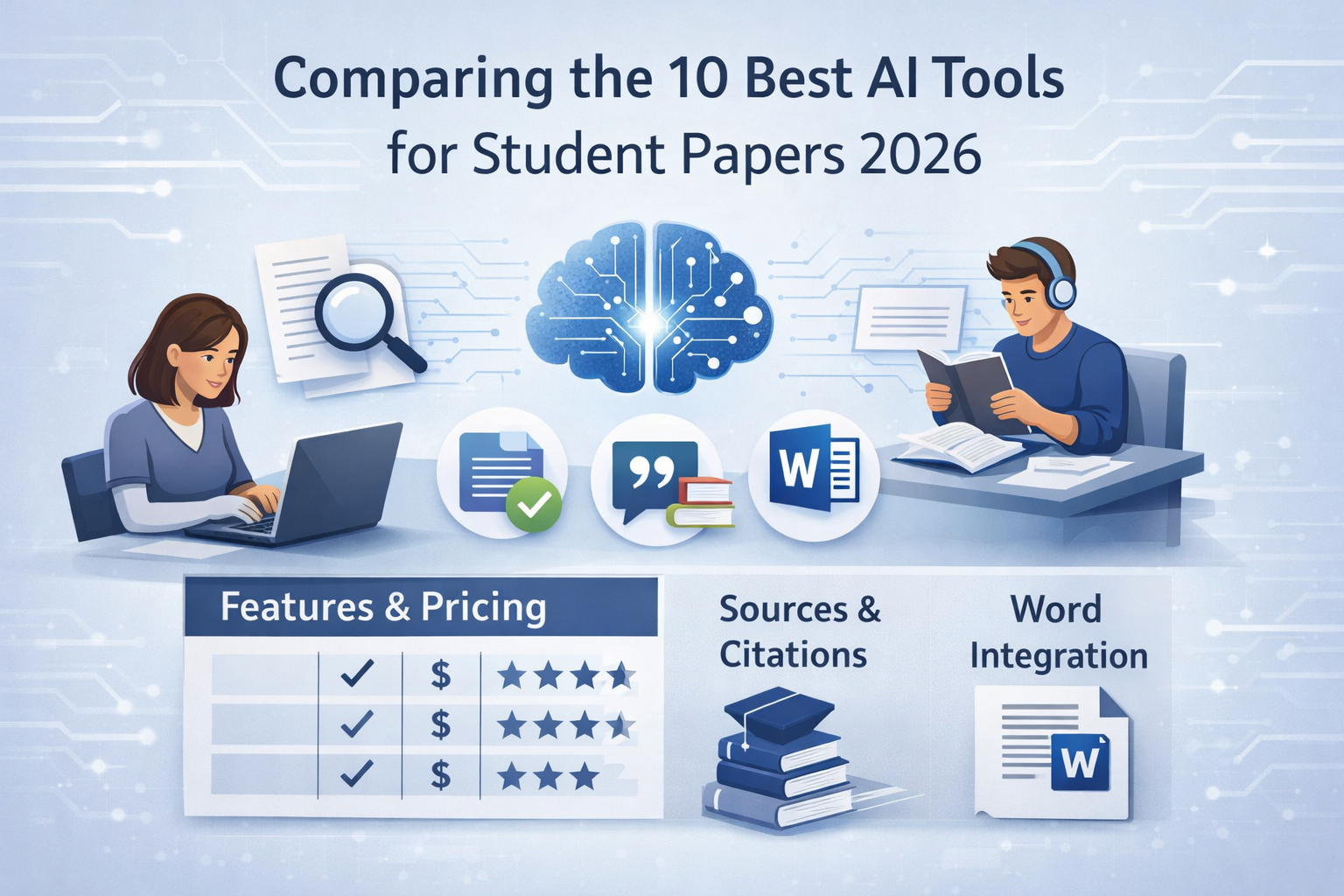
This comparison evaluates ten AI tools that students actually use for academic papers in 2026. We focus on what matters in practice: source reliability, citation accuracy, integration into the writing workflow, and price.
What Makes a Good AI Writing Tool for Academic Papers
Before diving into individual tools, it helps to establish what actually matters when choosing an AI assistant for academic work.
Source reliability is the most critical factor. General chatbots generate text based on training data and frequently produce citations that look plausible but don't exist. Research has shown that AI chatbots fabricate references in up to 40 percent of cases. Specialized tools that connect to verified academic databases or work with your own uploaded sources avoid this problem entirely.
Workflow integration determines whether a tool saves time or adds friction. If you write in Microsoft Word and the AI tool lives in a separate browser tab, you spend more time switching contexts than writing. Tools that embed directly into Word or Google Docs keep you in the flow.
Citation management matters because formatting references correctly is tedious but essential. The best tools generate in-text citations and reference list entries automatically in APA, MLA, Chicago, Harvard, or IEEE format.
Writing support quality varies enormously. Some tools offer basic autocomplete that feels generic. Others analyze the context of your paper and your uploaded sources to suggest relevant, specific continuations that fit your argument.
Academic integrity should be built into the tool's design. The best AI writing assistants support your thinking rather than replacing it. They help you find the right words for your ideas, not generate ideas you haven't had.
1. fastwrite.io – Source-Based Writing Directly in Microsoft Word
fastwrite.io takes a fundamentally different approach from most AI writing tools. Instead of working in a separate web editor, it operates as an add-in directly inside Microsoft Word. You write in your familiar environment, and the AI suggestions appear inline as you type.
The core feature is source-based autocomplete. You upload your research papers as PDFs, and fastwrite analyzes their content. As you write, the tool suggests text continuations that draw on your uploaded literature – and automatically inserts the citation, including the specific page number. This is a genuine differentiator. Most competing tools either don't offer page-level citations at all or only reference external databases without connecting to your own sources.
Beyond your personal library, fastwrite provides access to a database of over 30 million academic sources. When your uploaded papers don't cover a topic, you can receive suggestions backed by external research. The tool automatically detects metadata from uploaded PDFs – author, title, year – so you don't waste time on manual data entry.
fastwrite is available for macOS, Windows, and as a web app. The free plan includes 50 autocompletes per day and 5 PDF uploads. The premium plan costs €9.99 per month (annual billing) with unlimited autocompletes and uploads.
Best for: Students who write in Microsoft Word and want AI suggestions grounded in their own research sources, with automatic citations including page numbers.
2. ChatGPT – The Versatile Starting Point
ChatGPT remains the most widely used AI tool among students, and for good reason. It handles an enormous range of tasks: brainstorming topics, creating outlines, explaining concepts, drafting paragraphs, checking grammar, and even analyzing uploaded documents in the paid version.
The fundamental limitation for academic work is source reliability. ChatGPT does not search verified databases when generating text. It predicts plausible-sounding content based on its training data, which means citations are frequently invented or inaccurate. For a paper that needs to pass plagiarism checks and cite real sources, this is a serious problem.
ChatGPT works best in the early stages of writing – when you need ideas, structure, or a first rough draft that you'll substantially rewrite. It should not be the tool you rely on for sourced, citation-ready text.
Price: Free tier available. ChatGPT Plus costs $20/month.
Best for: Brainstorming, outlining, and early drafting. Not suitable for citation-dependent writing.
3. Jenni AI – Academic Writing in a Web Editor
Jenni AI is built specifically for academic writing and offers a smooth autocomplete experience. You type, and the AI suggests contextually relevant continuations. The tool also includes paraphrasing, tone adjustment, and a citation manager that supports APA, MLA, Harvard, and Chicago styles.
Jenni's citation database covers over 250 million sources, and you can upload your own PDFs to inform the AI's suggestions. The writing experience is fluid, and the interface is clean and focused.
The main trade-off is that Jenni operates entirely in its own web-based editor. If you prefer writing in Word or Google Docs, you'll need to export your work and continue formatting there. The citation tool also doesn't provide page-level references from your uploaded sources – you get the source, but not the specific page.
Price: Free plan with 200 words/day. Unlimited plan at $12/month.
Best for: Students who prefer a web-based writing environment and primarily write in English.
4. Paperpal – Professional-Grade Academic Editing
Paperpal stands out through its pedigree: it's built on 23 years of science, technical, and medical publishing expertise. The tool excels at language editing, offering grammar corrections, style improvements, and paraphrasing that understand academic conventions rather than just fixing surface errors.
Paperpal includes a citation finder with access to 250 million research articles, a plagiarism checker, an AI detector, and submission readiness checks for journal publishing. It works on the web, in Word, Google Docs, and even Overleaf for LaTeX users.
The tool is designed more for editing and polishing than for generating first drafts. If you need help improving text you've already written – especially for journal submissions – Paperpal is excellent. For the initial writing phase of a student paper, other tools offer more generative support.
Price: Free tier with limited features. Paperpal Prime starts at $25/month.
Best for: Researchers preparing manuscripts for publication and students who need professional-level language editing.
5. SciSpace – Research Discovery and Paper Analysis
SciSpace is less a writing tool and more a research platform. Its signature feature, Chat with PDF, lets you upload academic papers and ask questions about them in natural language. The platform provides summaries, data extraction, and citation generation from a database of over 280 million papers.
For literature reviews, SciSpace is powerful. You can compare multiple papers side by side, extract findings into structured tables, and discover related research. The AI agent feature automates multi-step research workflows.
For the actual writing process, SciSpace is limited. There's no Word integration and no inline writing assistance. Think of it as the research companion you use before you start writing, not the tool you write with.
Price: Free basic plan. Premium from $20/month.
Best for: Literature discovery, paper comprehension, and systematic reviews.
6. Perplexity AI – Research with Verified Sources
Perplexity AI works like a search engine that directly answers questions while linking to its sources. Unlike ChatGPT, it doesn't generate text from memory – it searches the web in real time and provides references for its claims.
For academic research, Perplexity is a strong starting point. You can quickly get an overview of a topic with sources you can verify and follow up on. The Pro version uses more advanced models and provides deeper analysis.
The limitation is that Perplexity doesn't distinguish between academic and non-academic sources. Its references might include blog posts, news articles, or forums alongside peer-reviewed research. You'll still need to filter for academic quality yourself.
Price: Free basic version. Perplexity Pro at $20/month.
Best for: Quick topic exploration and fact-checking with source attribution.
7. Zotero – The Gold Standard for Reference Management
Zotero isn't an AI tool, but it belongs in every student's toolkit. This free, open-source reference manager stores sources, generates bibliographies, and integrates with Word, Google Docs, and LibreOffice. The browser extension saves sources with a single click.
Zotero supports thousands of citation styles and is recommended by university libraries worldwide. If you use fastwrite or any other AI writing tool, managing your sources in Zotero alongside provides a reliable safety net for your reference list.
Price: Free. Additional cloud storage from $20/year.
Best for: Long-term source organization and bibliography generation across all citation styles.
8. DeepL Write – Polishing Academic Prose
DeepL Write is a style optimization tool, not a content generator. You paste existing text, and it suggests improved phrasing, corrects grammar, and adjusts tone. The quality is particularly strong for German and English academic writing.
For the final revision of a paper, DeepL Write catches awkward phrasing and suggests more precise alternatives. It's GDPR-compliant with EU-based servers, which matters for data-sensitive academic contexts.
The limitation is clear: DeepL Write doesn't create content or handle citations. It's a finishing tool, best used after the writing is done.
Price: Free up to 2,000 characters. DeepL Pro from €7.49/month.
Best for: Final language polishing of completed drafts.
9. Grammarly – Established Grammar and Style Checking
Grammarly is the most widely used grammar checker for English-language writing. It corrects spelling, grammar, and punctuation, detects tone, and suggests stylistic improvements. The premium version adds advanced suggestions for clarity, engagement, and delivery.
For English-language academic papers, Grammarly is a reliable last line of defense against errors. It integrates with Word, Google Docs, and most browsers.
Price: Free basic version. Premium from $12/month.
Best for: Grammar and style checking for English-language papers.
10. QuillBot – Paraphrasing and Summarizing
QuillBot specializes in paraphrasing, offering multiple modes (standard, fluency, formal, creative, and more) to rephrase text. It also includes a summarizer, grammar checker, and citation generator.
For students who struggle with putting sources into their own words, QuillBot can be a helpful practice tool. The free version is quite capable, though limited in word count.
The risk with paraphrasing tools is that they can encourage surface-level rewording rather than genuine engagement with ideas. Use them to refine your own formulations, not to disguise copied text.
Price: Free basic version. Premium from $9.95/month.
Best for: Paraphrasing practice and text variation for non-native English speakers.
Comparison Table: 10 Best AI Writing Tools at a Glance
How to Choose the Right Tool for Your Paper
The best approach is usually a combination rather than a single tool.
For the core writing process, a specialized assistant like fastwrite.io that works inside Word and connects to your actual sources gives you the most relevant, citable suggestions. The automatic page-level citations save hours of manual formatting.
For initial research and topic exploration, Perplexity and SciSpace help you quickly understand a field and identify key papers. Feed what you find into Zotero for organized reference management.
For the final polish, run your text through DeepL Write or Grammarly to catch errors and smooth out phrasing.
Regardless of which tools you use, three principles apply. First, use AI as a writing aid, not a ghostwriter. The ideas should be yours; the AI helps you express them. Second, verify every source. Even tools with academic databases can make mistakes. Third, disclose your AI use according to your institution's guidelines. Most universities now have clear policies – follow them.
Conclusion
The AI writing tool landscape in 2026 is mature enough that students can build genuinely useful workflows around these tools. The key insight is that general chatbots and specialized writing assistants serve fundamentally different purposes. ChatGPT is excellent for brainstorming but unreliable for citations. Tools like fastwrite.io bridge the gap by combining AI-powered writing suggestions with verified academic sources and seamless Word integration.
Try the free tiers, find the combination that fits your workflow, and remember that the best tool is the one that helps you think more clearly – not the one that thinks for you.



.svg)


.svg)

.svg)
.svg)